Chartpresso

QuickBooks Integration with Chartpresso

Chartpresso brings your financial data to life by seamlessly integrating with QuickBooks. This integration allows businesses to transform accounting records into clear, interactive dashboards that drive smarter decisions.

book a demo

Why Integrate QuickBooks with Chartpresso?

Integrating QuickBooks with Chartpresso offers a powerful combination that transforms raw financial data into actionable business intelligence. This integration is designed to help businesses of all sizes unlock the full potential of their accounting data by providing intuitive visualization and real-time insights.

Instant Visualization

Convert QuickBooks data into dynamic charts and interactive dashboards effortlessly, eliminating the need for complex coding or manual data manipulation. This enables finance teams to quickly grasp financial trends and anomalies.

Real-Time Monitoring

Stay on top of your financial health with live updates on expenses, revenue, cash flow, and other key indicators. Real-time data tracking allows businesses to respond swiftly to changing market conditions and internal performance shifts.

Scalability

As your customer base grows, the integration scales with you, accommodating increasing data volumes and complexity without sacrificing performance or usability.

Multi-Company view

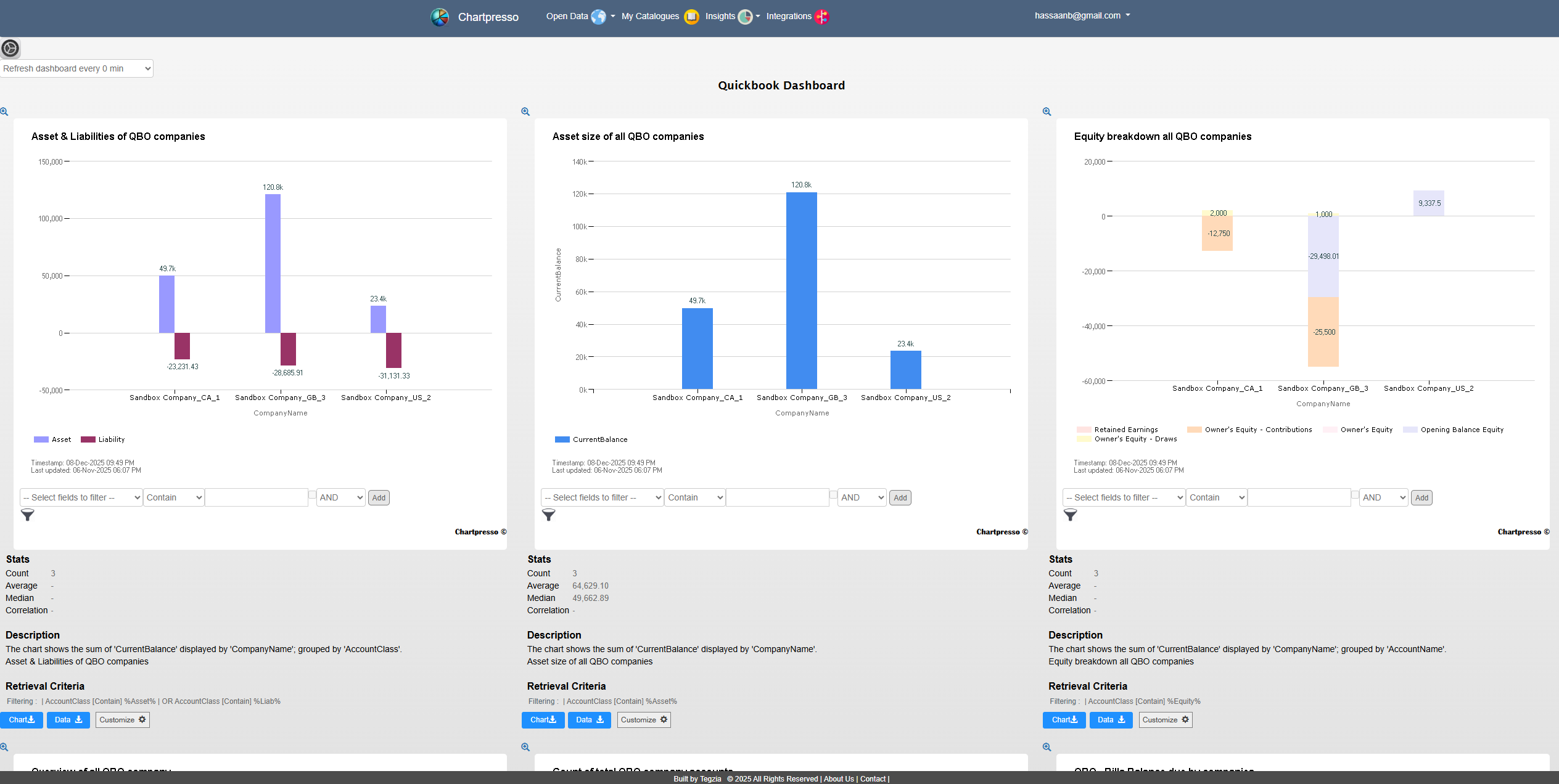
Seamlessly consolidate multiple QuickBooks company's financial data with other critical business metrics such as sales, marketing, and operations data within Chartpresso. This holistic view empowers decision-makers to understand the broader business context and make informed strategic choices.

Improved Collaboration

Share insights and dashboards easily across teams and departments, fostering a data-driven culture. Collaborative features in Chartpresso enable stakeholders to discuss and act on financial data collectively.

Customizable Reporting

Tailor dashboards and reports to meet the unique needs of different departments or stakeholders. Whether it's detailed expense tracking for accounting or high-level revenue summaries for executives, Chartpresso provides flexible reporting options.

Sandbox Workspace Insights 

Click to enlarge the images. Click again or double click to return back
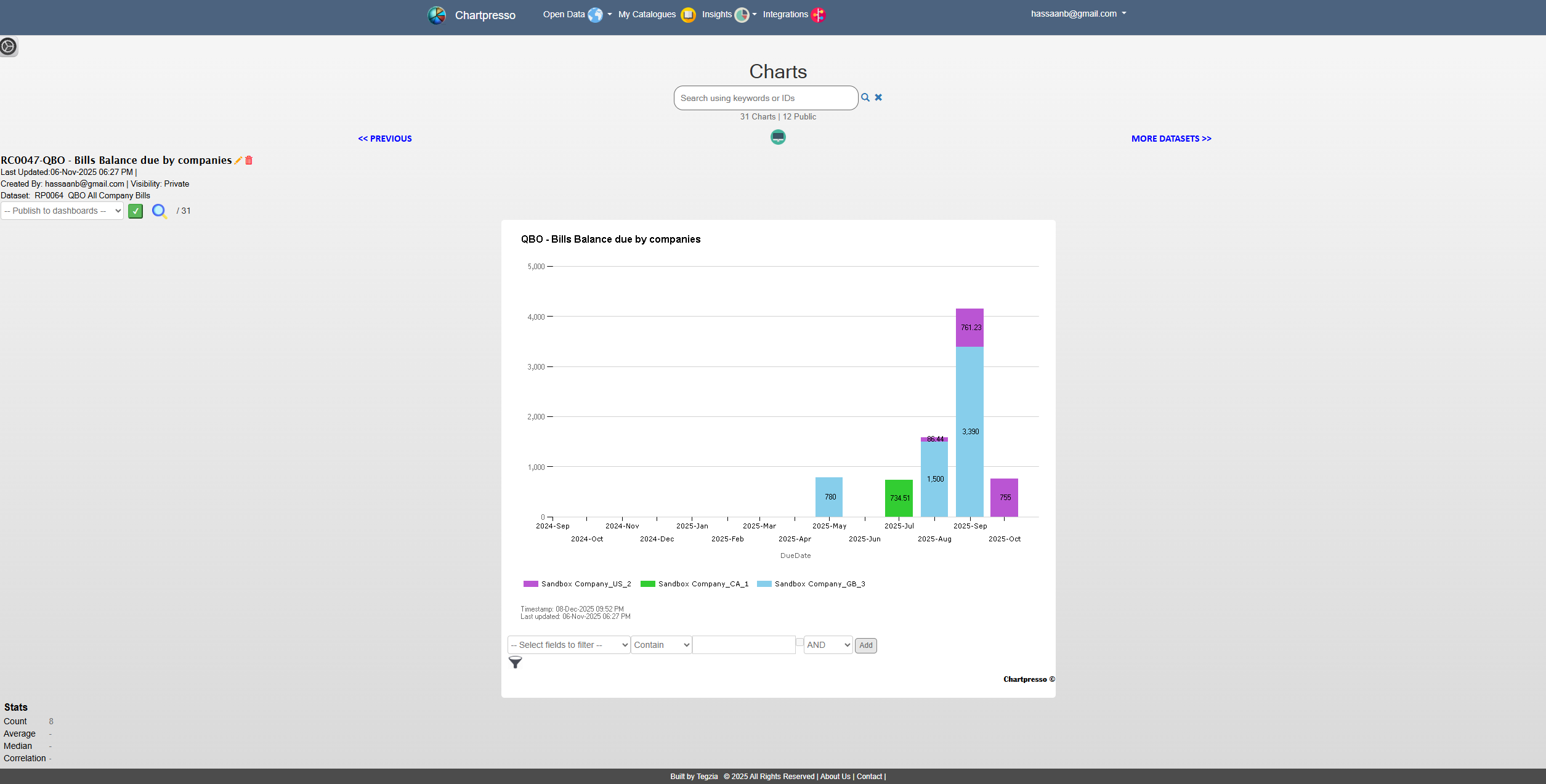
Use cases for a QBO integration, tailored for medium and large enterprises, focusing on business outcomes

Dramatically accelerate your financial decision making process, improve reporting accuracy, and empower your accounting team to become strategic partners to the business.

Accounting Firms ​Consolidate Multi-Entity Financials in One Dashboard

Stop juggling multiple QuickBooks files. Instantly view consolidated P&L, cash flow, and balance sheets across all your subsidiaries or divisions. Gain real-time visibility and make faster, data-driven decisions for your entire enterprise.

Expedite Month-End Consolidation & Group Reporting

Close your books faster. Eliminate manual spreadsheet consolidation from multiple QBO accounts. Automate group reporting, reduce errors, and free your finance team to focus on strategic analysis instead of data collection.

Benchmark Metrics and KPIs Across Locations & Divisions

Unlock operational excellence. Automatically compare KPIs, profitability, expenses, inventory across hundreds of locations. Identify top performers, replicate best practices, and elevate the performance of your entire chain.

Business Owner ​Monitor Multiple Businesses from a Single Interface

For SME owners with several companies: see your full financial picture in one place. Track combined cash flow, total profitability, and performance across all your ventures—no more logging in and out of separate QuickBooks.

Check the end-results

Explore and play around with our sandbox companies. Full feature no obligation trial access.

get sample dashboard

Watch a 3-minute demo

video demonstrating a straightforward use-case utilizing tabular data. Discover how swiftly data can be ingested and utilized from a simple Google Sheet - Simple demo

Getting Started

1. Connect to your QBO account 

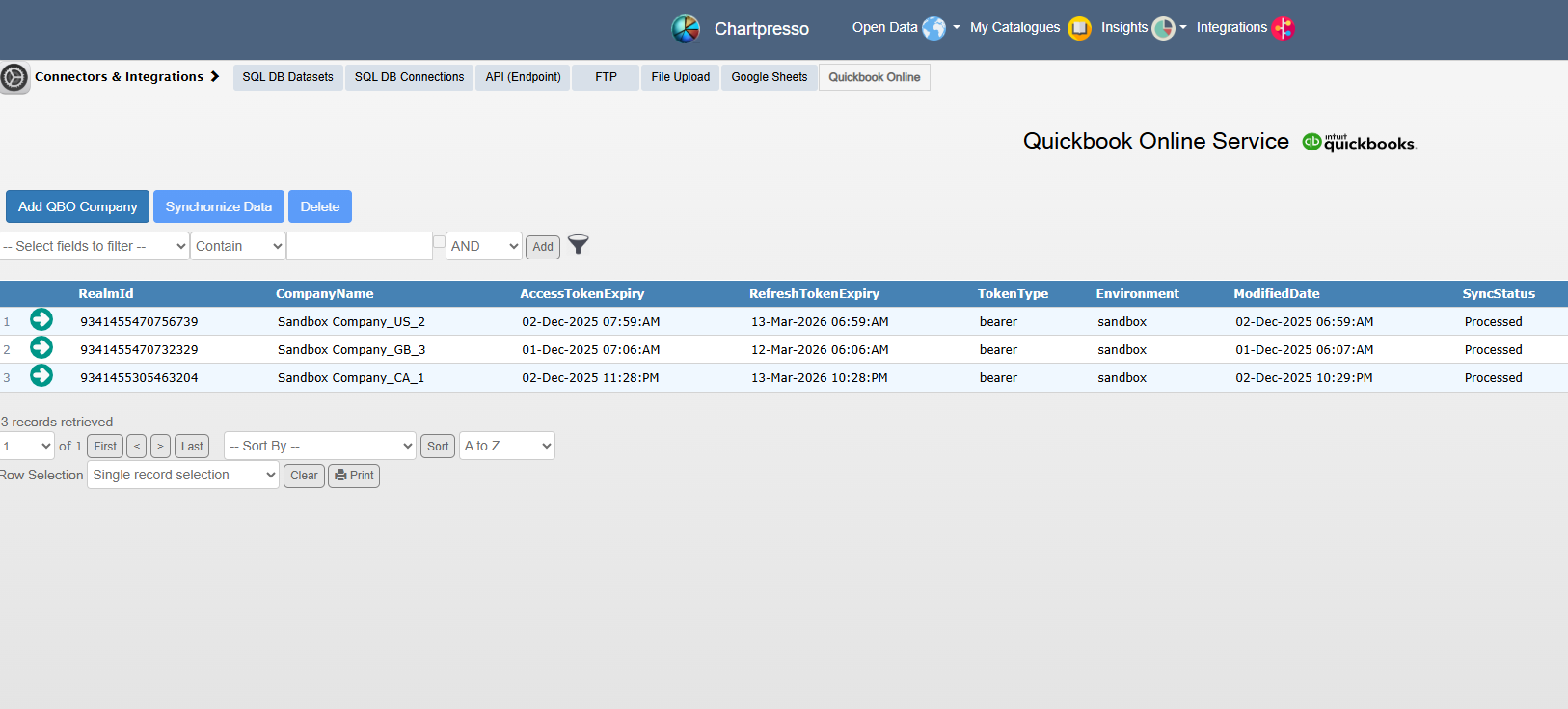
Connect your QuickBooks account to Chartpresso by securely authorizing access through Intuit OAuth Process. This process ensures your financial data is safely linked without compromising security.

2. Instantly Analyze the financials

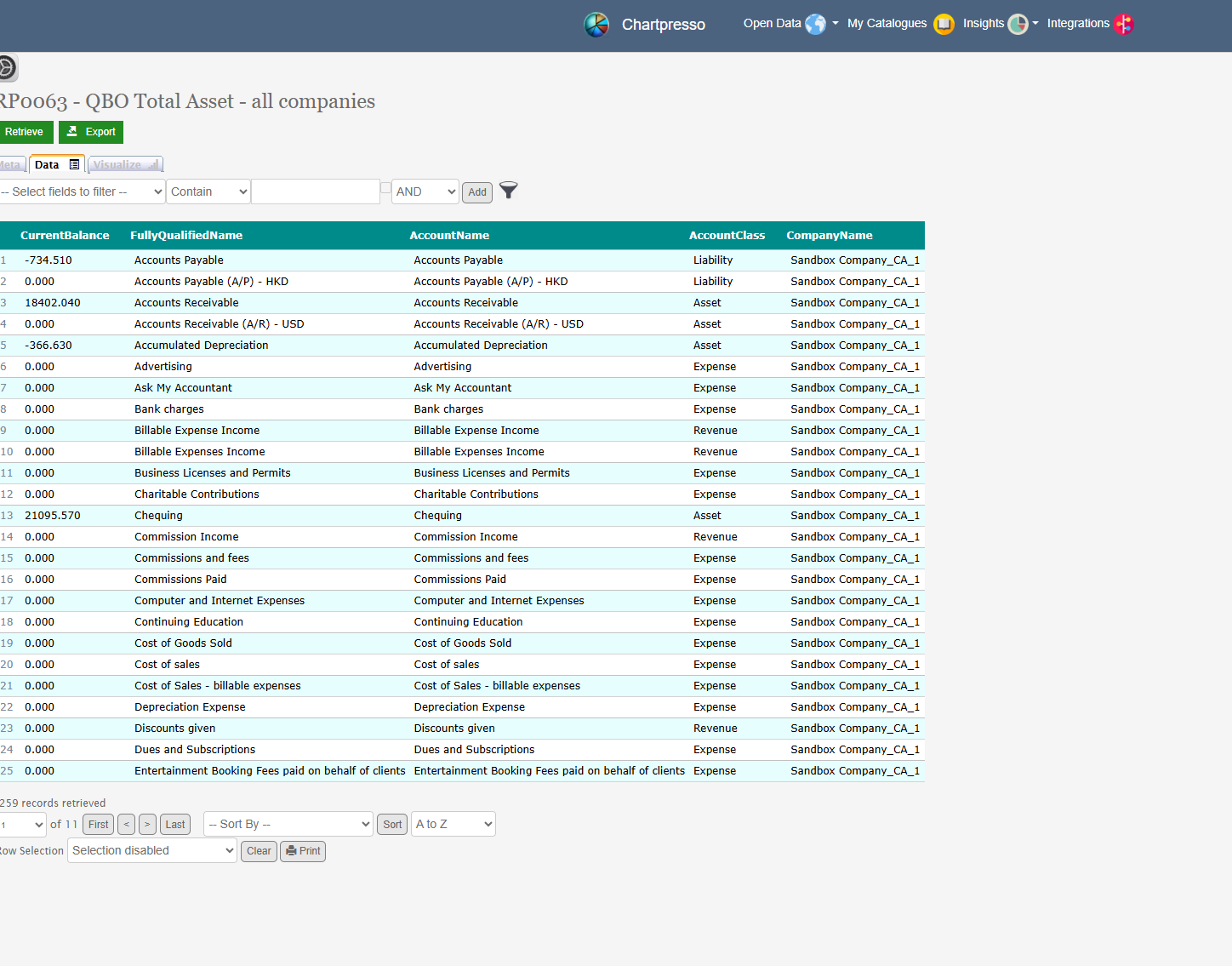
Utilize powerful preset financial metrics, charts, and dashboard to deep dive into the financial overview of multiple companies at once, including income statements, balance sheets, and custom attributes relevant to your business.

3. Customize Analytics

Create more charts, dashboards, and metrics​ from a variety of chart types, filters, and layout options to create interactive visualizations that suit your specific needs. Continuously monitor and refine your dashboards as your business evolves, ensuring your financial insights remain relevant and actionable.